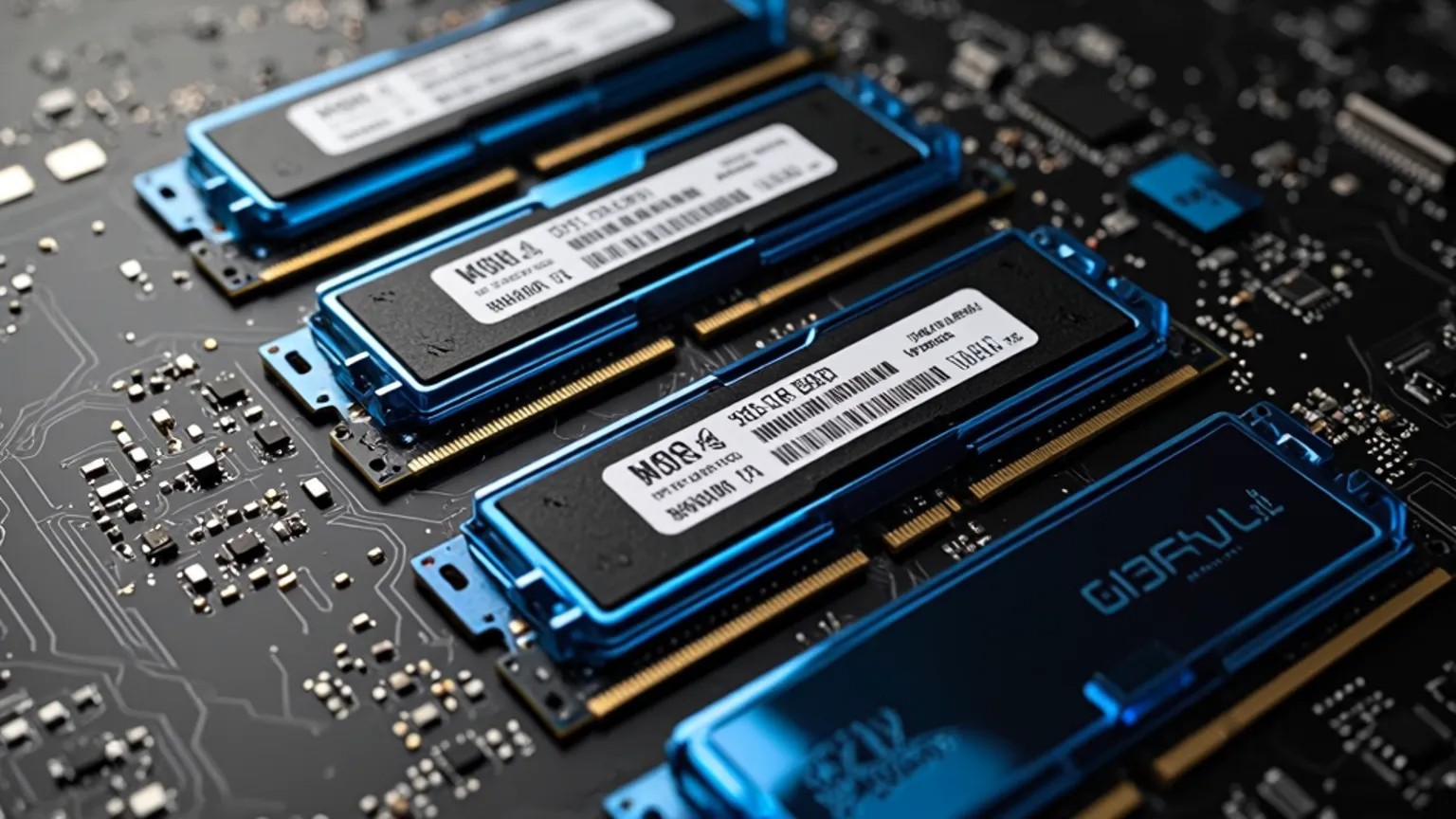


RAM (Random Access Memory) is one of the most important components in a computer. It acts as the computer’s short-term memory and is used to temporarily store data that the system and programs need quick access to. The more RAM a computer has, the more tasks it can handle simultaneously without slowing down.
RAM is volatile memory, which means that all data is erased when the computer is turned off. It differs from storage media such as hard drives and SSDs, which store data permanently. When you open a program, it (or parts of it) is loaded into RAM so the processor can quickly work with it. Without sufficient RAM, the computer has to use slower storage media as temporary memory, which makes it significantly slower.
RAM is typically measured in gigabytes (GB) or terabytes (TB) and indicates how much data it can handle at once. The speed is measured in MHz and describes how quickly data can be read and written. Both are very important for the computer’s performance, especially for multitasking, gaming, video editing, and other demanding tasks.
Modern RAM uses DDR technology, which stands for "Double Data Rate". This means that data is transferred twice per clock cycle. Over the years, the DDR standard has been updated with improved speed and lower power consumption.
DDR (DDR1)The first generation of DDR RAM was introduced in the early 2000s and replaced SDRAM. The speeds were typically between 200 and 400 MHz. This type is now obsolete and is no longer used.
DDR2DDR2 was introduced around 2003 and doubled the transfer speed compared to DDR1. The speeds were typically between 400 and 1066 MHz. DDR2 had lower power consumption and better performance per watt than its predecessor.
DDR3DDR3 arrived in 2007 and quickly became widespread in both desktop and laptop computers. It supported speeds from 800 MHz to 2133 MHz and had lower voltage than DDR2, making it more energy efficient.
DDR4DDR4 became the standard around 2014 and is still used in many systems today. It offers higher speeds (from 1600 MHz and up to over 3200 MHz and more) and even lower power consumption than DDR3. DDR4 modules also have higher capacities, making them suitable for demanding workstations and servers.
DDR5DDR5 is the newest generation and began to become available in 2021. It offers even higher transfer speeds (starting around 4800 MHz and upwards), better energy efficiency, and more bandwidth per module. DDR5 is designed for the computers of the future and is becoming increasingly common in new systems.
Each DDR generation has different physical design and voltage, which means that modules from different generations are not compatible with each other or with motherboards that do not support the given type. It is therefore important to ensure that RAM modules fit both the motherboard and the processor’s support.
RAM plays a crucial role in the computer’s overall performance. Understanding the DDR generations and their differences in speed, capacity, and efficiency can help you choose the right RAM for your needs – whether it’s for gaming, work, or general use. With new technologies like DDR5 entering the mainstream market, faster and more efficient RAM is becoming an important factor in the computers of the future.