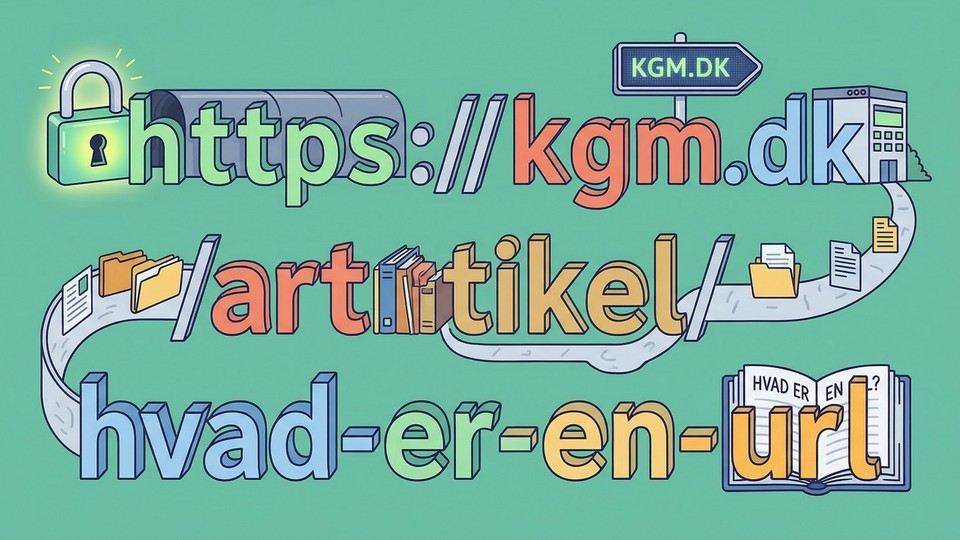
Every time you visit a website, click on a link, or share a web address, you are using a URL. But what does URL actually mean, and why is it so important for the internet? In this article, we explain what a URL is, how it is structured, and how it helps you navigate the digital landscape.
What does URL stand for?
URL is short for Uniform Resource Locator. Simply put, it is the address you type into your browser's address bar to get to a specific page on the internet. Without URLs, it would be impossible for your browser to know where to fetch information from.
This is how a URL is structured
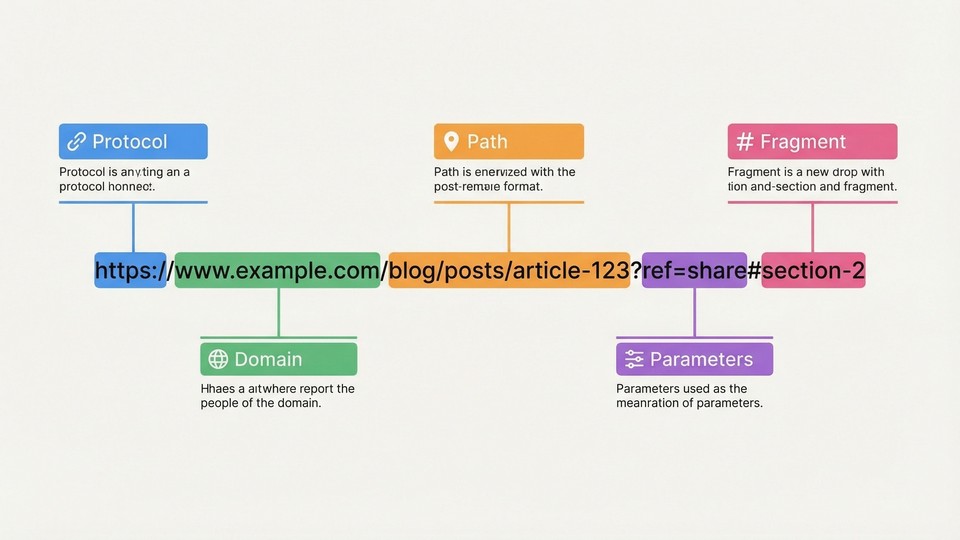
A URL may look a bit technical, but it actually consists of some simple parts:
- Protocol: Tells how data should be transferred. Most often
http:// or https://.
- Domain name: The actual address, e.g.
kgm.dk.
- Path: Shows exactly which page or file you want to access, e.g.
/teknologi/hvad-er-en-url.
- Parameters: Extra information, which starts with
?, e.g. ?id=123.
- Fragment: A specific part of the page, marked with
#, e.g. #kontakt.
Example of a URL
Take this URL: https://kgm.dk/teknologi/hvad-er-en-url?vis=fuld#faq
- https:// = Protocol
- kgm.dk = Domain name
- /teknologi/hvad-er-en-url = Path
- ?vis=fuld = Parameter
- #faq = Fragment

Why are URLs important?
Without URLs, we would not be able to navigate the web. Every single page, image, video, or file on the internet has its own unique URL. This makes it possible to:
- Share information: When you share a link, you are actually sharing a URL.
- Find precise content: The URL takes you directly to the desired content, no matter where it is on the web.
- Organize websites: Websites use the URL structure to organize their content into menus and categories.
- Security: The protocol (e.g. https) tells you whether the connection is encrypted and secure.
Protocols: http vs. https
One of the first things you see in a URL is the protocol. The two most common are:
- HTTP (HyperText Transfer Protocol): The standard protocol for fetching websites. Data is sent unencrypted.
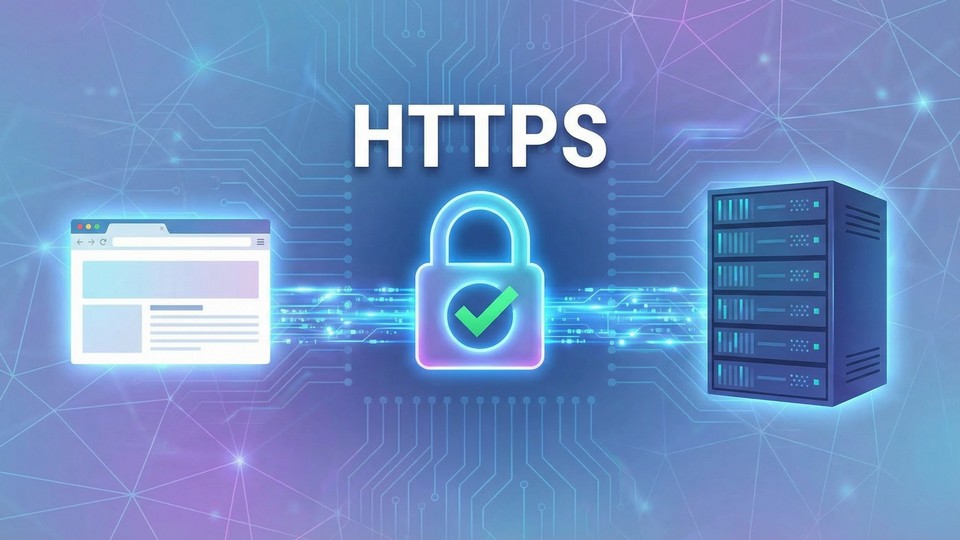
- HTTPS (HyperText Transfer Protocol Secure): Secure version, where data is encrypted. Especially recommended for pages where you enter personal information.
You can often see a small padlock next to the address in the browser when the page uses HTTPS. This means your data is protected during transfer.
Tips for understanding and using URLs
- Always check the entire URL: To make sure you are on the right page and not on a fake copy.
- Look for https: Especially if you need to enter sensitive information, such as passwords or credit cards.
- Use short URLs: They are easier to share and remember.
- Watch out for strange characters: Unusual symbols or spelling mistakes can be signs of phishing or fraud.
How does the computer find a URL?
When you enter a URL in your browser, several things happen:
- The browser looks up the domain name to find the IP address of the server.
- The browser sends a request to the server to fetch the desired content.
- The server sends data back, and the page is displayed in your browser.
This whole process usually takes only a split second!
Conclusion
URLs are the foundation of navigation on the internet. They make it possible for us to find, share, and securely access information with precision. By understanding how URLs are structured and work, you are better equipped in the digital world – both as a user and as a creator of content.