


AI has made it much easier to go from a loose idea to a finished graphic. Where design and illustration previously often required many hours of sketching, image searching, and manual layout work, modern AI tools can now help develop concepts, create visual drafts, and refine details in just a few minutes. That does not mean the creative work disappears. On the contrary, your role as idea developer, editor, and decision-maker becomes even more important. When you use AI well, you not only get faster results, but also more opportunities to experiment with style, colors, composition, and mood.
This article explains how you, as a beginner, can use AI for design and illustration in a practical way. We look at the process from the first idea to the finished image, which choices matter most, and how to avoid the typical mistakes. The goal is not to make you a specialist from day one, but to give you a clear method that you can use right away, whether you want to create posters, web graphics, concept illustrations, or simple visual elements for presentations and social media.
The first step in AI-based design is not to open a tool, but to clarify what you actually want to create. Many beginners write very broad requests such as “make a nice illustration” or “design a modern graphic.” This often produces imprecise results because the AI lacks direction. The clearer your goal is, the better the drafts will be. So start by defining the purpose: Should the graphic be used as a banner, as a product illustration, as an infographic background, or as a mood-setting image for an article? Also think about the target audience. An illustration for children should look different from a graphic for a technical report or a professional website.
It helps to formulate the idea in four simple points: subject, style, format, and mood. The subject could be “a designer at a desk,” the style could be “clean flat illustration” or “detailed digital painting,” the format could be “landscape web banner,” and the mood could be “calm, creative, and modern.” When you combine these elements, you get a more useful starting point for AI. Instead of asking for “something creative,” you could, for example, describe “a modern workspace with a tablet, color swatches, and sketches in a bright, minimalist illustration style.” This makes the process more focused from the beginning.
The prompt is the text you give to the AI tool, and it functions as a creative brief. A good prompt does not need to be long, but it does need to be precise. The best method is often to build the prompt in layers. Start with the main subject, then add the environment or background, and finish with style, lighting, and colors. For example, if you want to create an illustration for an article about creative work, you can write: “A digital illustration of a designer creating artwork on a tablet at a clean desk, soft daylight, modern minimal style, balanced composition, muted blue and orange tones.” Here the AI gets the subject, surroundings, lighting, style, and color idea all at once.
It is also useful to think about what you do not want. Some tools allow negative prompts, where you can exclude things like too many details, blurry hands, text in the image, or a cluttered background. Even if the tool does not directly support negative prompts, you can still guide the result by writing “clean background,” “no text,” “simple composition,” or “without extra objects.” Small adjustments can make a big difference. Many good AI images do not appear on the first attempt, but after three to five targeted changes, where you gradually clarify the subject and remove what is distracting.
A practical way to work is to start broad and then tighten things up. The first prompt can be a quick concept draft. When you see the result, you can assess whether the composition works and whether the style fits. Then you can add more specific requests such as camera angle, color palette, or degree of realism. If the image feels too generic, you can make it more concrete by mentioning materials, objects, or a specific type of light. If it feels too heavy, you can simplify the prompt. The iterative process is very similar to regular design work: you develop, evaluate, and adjust until the direction is right.
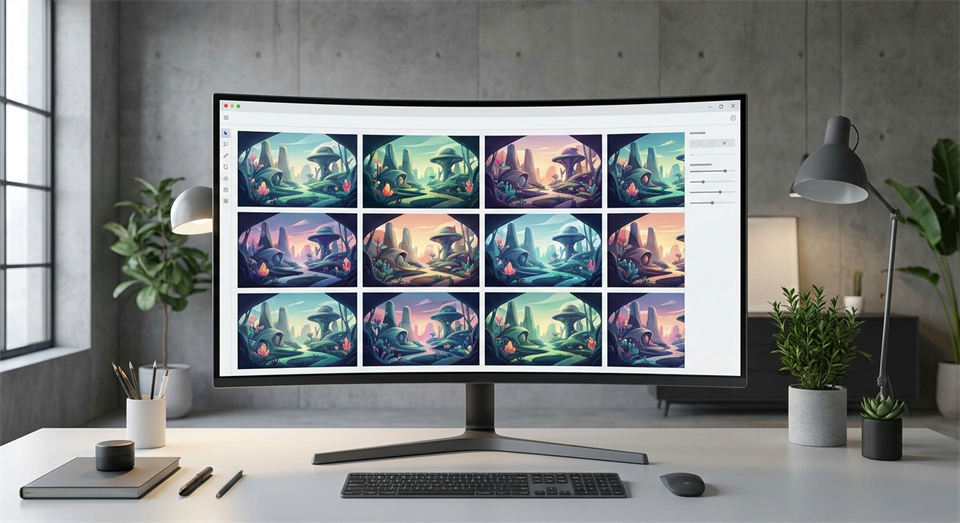
One of the most useful ways to use AI is as a fast sketching tool. Instead of expecting a perfect final result right away, you can use AI to generate many variations of the same idea. This is especially effective in the early phase, when you are testing different compositions, color moods, or visual metaphors. If, for example, you need to illustrate “idea development,” AI can create versions with glowing shapes, flowing sketches, creative worktables, or abstract connections between objects. This gives you a visual idea space that can be difficult to create just as quickly by hand.
This approach is valuable because it shifts the focus from “can AI create the finished image?” to “can AI help me think visually?” For beginners, this is often where AI provides the greatest benefit. You can choose the best elements from several drafts and use them as the basis for the final graphic. Perhaps one image has the right color palette, another has the best composition, and a third has the right mood. After that, you can either continue generating from the best draft or bring the image into an editing program and build on it manually. In this way, AI becomes a creative partner rather than a replacement for your choices.
Once the basic idea is in place, the next step is about visual direction. AI is good at imitating or suggesting different styles, but you get the best results if you can put into words what you want. Consider whether the image should be flat and graphic, soft and painterly, technical and clean, or more playful and hand-drawn. Style choices affect not only the appearance, but also how the message is perceived. A simple vector-like illustration often feels clear and professional, while a more detailed digital illustration can feel warm, creative, or narrative.
Colors are just as important. If you do not specify anything, AI will often choose a color palette that looks dramatic or decorative, but does not necessarily suit your purpose. That is why it can pay off to mention colors directly, for example “soft neutral palette,” “blue and teal tones,” or “high contrast black and white.” Composition should also be guided actively. Words such as “centered subject,” “wide empty space for text,” “symmetrical layout,” or “top-down view” can be crucial, especially if the graphic is to be used on a website or in a presentation. AI can create beautiful images, but it is your compositional choices that make them useful in practice.
An image for a poster, a mobile screen, and a website banner does not require the same structure. That is why you should think about format early. If you need space for a headline or buttons, ask the AI for negative space in part of the image. If the subject needs to work in a square post, the composition should be more centered and compact. Many beginners forget this and end up with a beautiful image that is difficult to use because important elements get cropped. AI helps best when you think like a designer and not just like someone ordering an image.
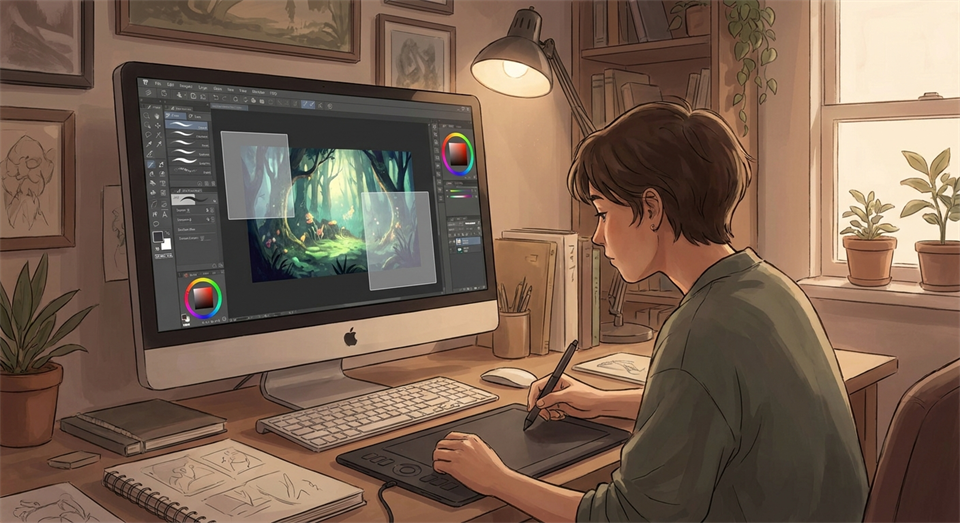
Even good AI images should almost always be reviewed and adjusted afterward. AI can create strange details, uneven shapes, unclear hands, incorrect perspective, or elements that do not make sense on closer inspection. That is why post-editing is an important part of the process. You can crop the image, correct colors, remove distracting objects, and sharpen the focus on what matters most. In some cases, you can also combine several AI drafts into one unified design. This often gives a more professional result than using the first generation directly.
A good quality check consists of a few fixed questions: Is the subject clear at first glance? Does the style fit the purpose? Is there space for text or other graphic elements? Do hands, faces, and objects look natural? Are the colors harmonious? If you can answer yes to most of these, you are close to a usable result. If not, it is often faster to adjust the prompt and generate again than to try to rescue a poor starting point. AI design is therefore just as much about selection and editing as it is about the generation itself.
The most common mistake is being too vague. If you do not describe the subject, style, and purpose clearly, you will often get images that look nice but do not solve your task. Another mistake is trying to include everything in one prompt. Too many details can create clutter and make the result less coherent. It is better to start with a simple core idea and then build on it. Many also forget to think about the intended use. An image that looks impressive on its own is not necessarily good as a graphic in a layout if it lacks focus or space for text.
A final mistake is accepting the first image that “almost” works. AI is fast, so you can afford to be critical. Small improvements in the prompt, format, or color choices can significantly elevate the result. It is also important to watch for consistency if you are creating several illustrations for the same project. Use similar style descriptions, colors, and compositional principles so the images feel like a unified series. This makes a big difference to the professional look, especially on websites, in presentations, and in educational materials.
AI can make design and illustration far more accessible for beginners, but the best results still come from a clear idea and a deliberate process. When you work from purpose to prompt, from sketch to variation, and from generation to editing, AI becomes an effective tool for developing graphics faster and more purposefully. It is not about handing creativity over to a machine, but about using the technology to explore more possibilities in less time.
If you want to get started, begin with small projects: a banner, a simple illustration, or a visual header for an article. Test different prompts, compare results, and notice which descriptions produce the style and structure you want. With a little practice, you will discover that the path from idea to graphic becomes faster, more playful, and more manageable. That is exactly why AI has become an exciting tool for anyone who wants to work creatively with design and illustration.