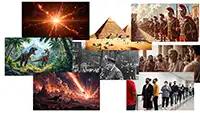



AI image generation makes it possible to create images from a short text description in just a few seconds. Where you previously had to draw it yourself, photograph the subject, or spend a long time in an editing program, you can now write something as simple as “a red bicycle in the rain on a quiet city street” and get several visual suggestions almost immediately. The technology has become popular because it is fast, accessible, and creative. But behind the simple experience lie advanced models, large amounts of data, and a range of choices that affect the result. For beginners, it can seem a little magical, but the principles are actually easy to understand when explained in plain language.
AI image generation is a technology in which a computer program creates a new image from text, a reference image, or a combination of both. The system is trained on very large amounts of images and corresponding descriptions. In this way, the model learns connections between words and visual elements such as shapes, colors, light, perspective, and style. When you write a prompt, meaning a text instruction, the model tries to turn the words into an image that matches what you want. It is important to understand that the model does not “understand” the world the way a human does. It recognizes patterns and probabilities. If many images associated with the word “beach” contain sand, sea, and blue sky, the model will typically combine exactly those elements when creating a new beach scene.
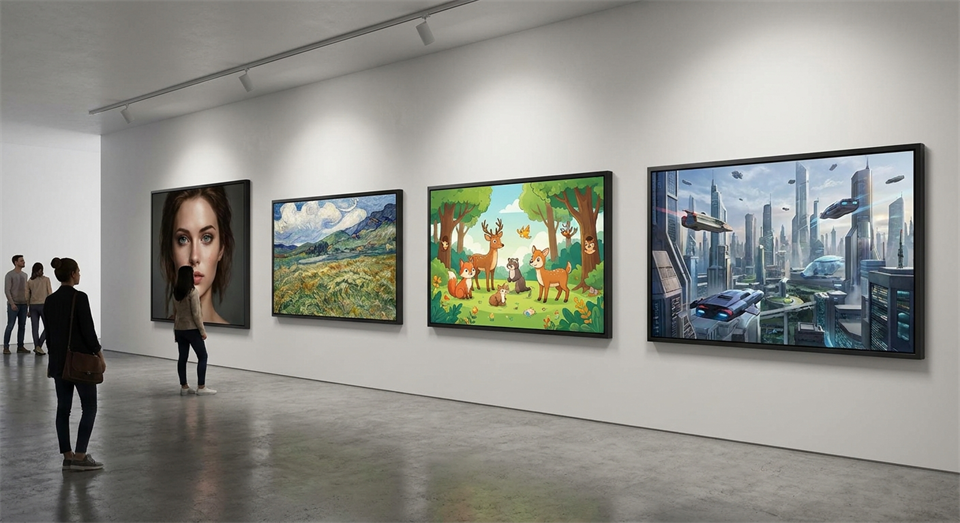
The technology is now used for everything from idea development and illustrations to product visualization, concept art, and content for social media. It can create photorealistic images, comic-book style, painterly scenes, or graphic illustrations. That makes the tools attractive to both hobby users and professionals. At the same time, it is important to remember that the results are not always perfect. Hands, text on signs, complicated patterns, and precise details can still be challenging. That is why AI image generation works best as a creative tool, where you experiment, adjust, and improve along the way.
When you enter text, it is first analyzed by the model so the most important concepts are identified. If you write “a futuristic city at sunset, seen from above, in a realistic style,” the system breaks the description into elements such as subject, mood, viewpoint, and style. The model then begins building an image step by step. Many modern systems work by gradually transforming visual “noise” into a meaningful subject. You can compare it to a blurry image slowly becoming sharper as the model removes randomness and adds structure.
During the process, the model constantly evaluates whether the image being created matches the text. If the prompt mentions “soft morning light,” it will try to make the light warm and low. If it says “minimalist background,” it will typically avoid too many objects. However, the result does not depend only on the text. Many tools also have settings for format, level of detail, variation, style, and how closely the image should follow the prompt. That is why two people can write almost the same text and still get quite different results if they use different models or settings.
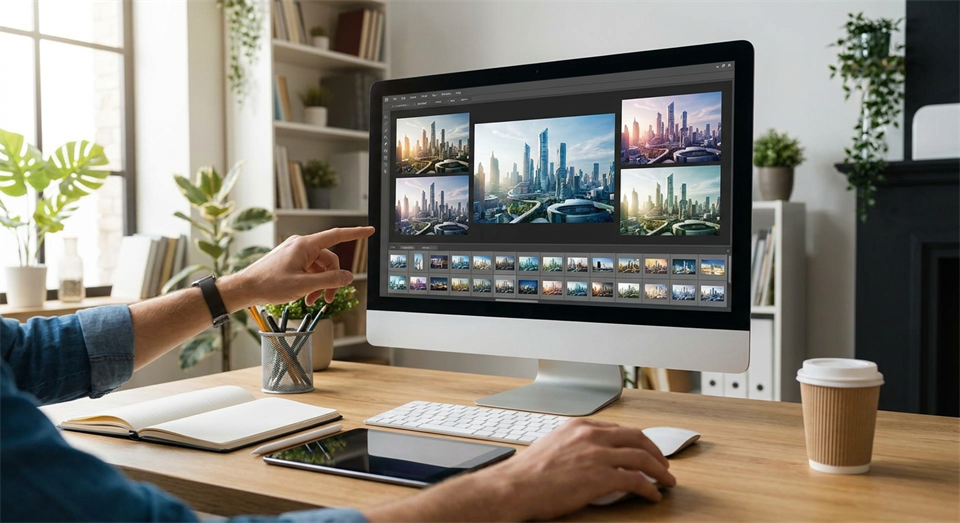
A key point about AI image generation is that the process often includes a degree of randomness. This means that the same prompt can lead to several different versions of the same subject. That is an advantage, because it allows you to explore ideas quickly without starting over every time. For example, if you want “a cozy reading nook with plants and warm light,” one version may focus on a chair by a window, while another shows a sofa with bookshelves in the background. In this way, the tool becomes not just a producer, but also a creative partner for visual idea development.
This variation is especially useful in creative processes where you do not know in advance exactly what the finished image should look like. You can generate four or eight suggestions, choose the best one, and then refine the prompt. Many users work in exactly this iterative way: first a broad idea, then more precise instructions about style, colors, composition, or mood. This makes the technology flexible, but it also requires a bit of patience to learn which wording produces the desired results.
AI image generation is used in many contexts because it saves time in the early stages of a project. A designer can quickly create mood boards and visual directions. An online store can test ideas for product images or backgrounds before investing in a real photo shoot. A teacher can create a simple illustration for teaching materials. An author can have a scene or a character visualized. Even private individuals use the tools for invitations, hobby projects, posters, or fun experiments.
However, it is important to distinguish between inspiration and finished material. For some purposes, an AI-generated image is good enough to use directly, while other tasks require editing afterward or human quality control. If an image is to be used in a professional campaign, you often need to check details carefully: do the hands look natural, is the perspective correct, is the product rendered accurately, and are there strange errors in the background? AI can go far, but it does not always replace the need for judgment, editing, and creative decision-making.
A good prompt is like a short and clear brief. The more precise you are about the subject, style, and mood, the greater the chance of a useful result. It often helps to think in fixed building blocks: what should the main subject be, where does the scene take place, what mood is desired, what should the lighting be like, and which visual style fits best? Instead of just writing “a dog,” you can write “a golden retriever running through a foggy forest early in the morning, soft light, realistic style.” That extra information gives the model more clues to work with.
It can also be useful to mention composition and perspective. Words such as “close-up,” “seen from above,” “wide landscape format,” or “centered subject” can change the result significantly. At the same time, you should avoid overly long and unclear prompts with many contradictory wishes. If you ask for both “minimalist,” “highly detailed,” “dark night,” and “bright sunlight” in the same prompt, the model may struggle to prioritize. A simple and well-structured prompt often works better than a very long text without direction.
Imagine that you first write: “make an image of a café.” The result may be very generic. If instead you write: “a small cozy café on a street corner, rain-soaked asphalt, warm light from the windows, evening atmosphere, realistic style,” the model has much better conditions for creating something specific. If you are still not satisfied, you can keep adjusting: “no people, focus on the facade, wide windows, soft reflections on the street.” In this way, the prompt gradually becomes more targeted without necessarily becoming complicated.
Many beginners think that the perfect prompt has to be technical and full of special commands. In practice, you can often get far with clear language and a logical order. Start with the subject, add the environment, describe the mood, and optionally end with style or format. The most important thing is not to know all the tricks from the start, but to observe the results and learn how small changes in the text affect the image.
The biggest advantage of AI image generation is speed. In just a few seconds, you can go from idea to visual sketch. That makes the technology ideal for brainstorming, early concepts, and quick experiments. Another advantage is accessibility. You do not need to be an illustrator or photographer to create something visually interesting. This lowers the barrier to working with images and gives more people the opportunity to express ideas.
But there are also limitations. Models can fail at logic and details, especially when there are many objects or precise requirements. They can also be sensitive to ambiguous wording. In addition, you should think about copyright, ethics, and transparency in how the technology is used. If an image depicts real people, sensitive situations, or something that could be misunderstood as documentation, it requires extra care. AI-generated images can be convincing, but they are synthetic and should not be used in a way that misleads others. That is why responsible use is at least as important as technical skill.
AI image generation is developing quickly. The models are getting better at anatomy, textures, lighting, and coherence in complex scenes. At the same time, we are seeing more tools that allow the user to edit specific areas of an image, expand the edges, change the background, or use a reference image as guidance. This means that the tools of the future are not only about writing a prompt and hoping for the best, but about a more precise dialogue between human and machine.
For beginners, the good news is that you do not need a technical background to get started. The most important things are curiosity, a willingness to experiment, and an understanding that good results often come through several small adjustments. AI image generation is not just a clever effect, but a practical tool for idea development, visualization, and creative work. The better you become at describing the desired subject, the more useful the technology becomes.
AI image generation makes it possible to create images from text in just a few seconds, and that combination of speed and creative freedom is exactly why the technology is becoming more and more widespread. For beginners, the easiest way in is to start simple, test different prompts, and learn from the results. Once you understand how words affect subject, style, and mood, the tool becomes far more predictable and useful. AI cannot replace human taste, judgment, and idea development, but it can be a powerful help in making thoughts visible quickly. That is why AI image generation has become one of the most exciting tools in modern digital creativity.