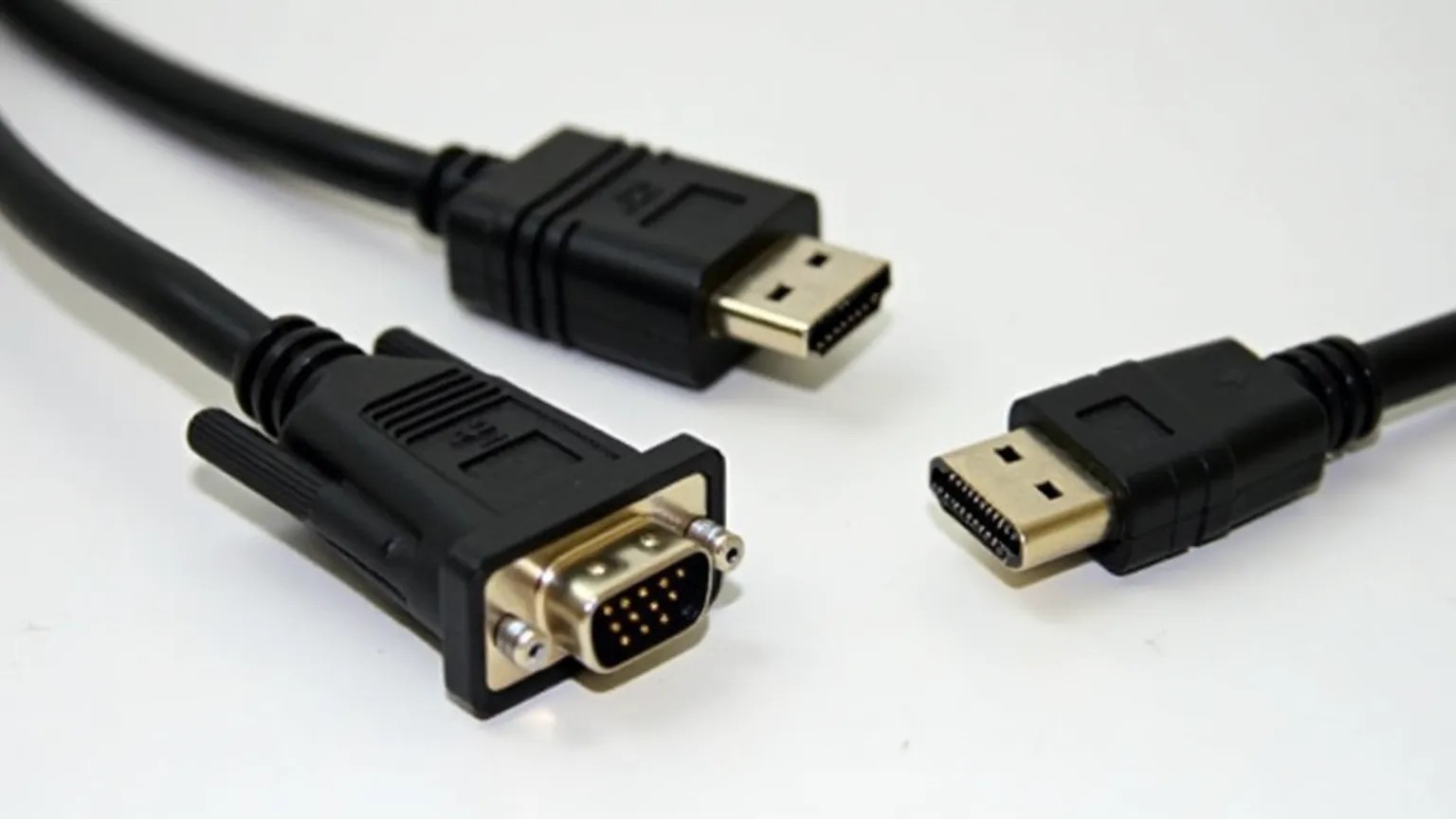


As screens, computers, and TVs have become more advanced, the connection between them has also changed significantly. Where screens were previously connected with VGA or DVI, today HDMI, DisplayPort, and USB-C are the standard. In this article, we review the development of video connectors – what they can do, when they appeared, and when they should be used.
VGA (Video Graphics Array) was introduced by IBM in 1987 and for many years was the standard for screen connections. It is an analog connector with 15 pins (3 rows of 5 pins) and a blue color on most cables.
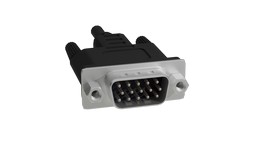
VGA supports resolutions up to 1920x1080 (Full HD) with good quality, but as an analog technology, the signal is sensitive to interference, especially with longer cables.
Today, VGA is largely phased out and is mostly found in older projectors and desktop computers. Many new devices do not support VGA at all without an adapter.
DVI (Digital Visual Interface) was introduced in the late 1990s as a transition between analog and digital video. DVI comes in several versions:
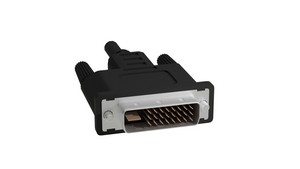
DVI supports resolutions up to 1920x1200 (single-link) or 2560x1600 (dual-link), but only transmits video – not audio. It was quickly replaced by HDMI in home entertainment and DisplayPort in business.
HDMI (High Definition Multimedia Interface) was launched in 2003 and quickly became the standard for televisions, game consoles, Blu-ray, and home theater.
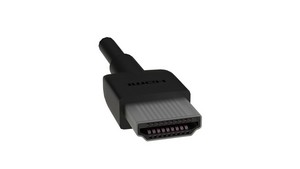
HDMI transmits both digital video and audio in one cable and also supports features such as Ethernet, HDR, CEC (remote control between devices), and eARC (audio return).
The most important HDMI versions:
HDMI comes in several sizes: Standard (type A), Mini (type C), and Micro (type D). On computers, HDMI is often used as the primary display output.
DisplayPort was introduced in 2006 by VESA and is especially widespread in the PC world and for professional monitors. It supports higher resolutions and refresh rates than HDMI and is more flexible when it comes to daisy chaining (multiple monitors in series).
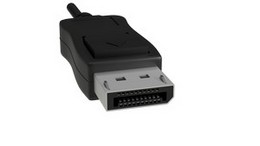
Features of DisplayPort:
DisplayPort also comes in a smaller version, Mini DisplayPort, which was previously common on Apple devices before USB-C and Thunderbolt took over.
USB-C is not just for charging and data – it can also be used for video. When a USB-C port supports DisplayPort over USB-C (Alt Mode), it can be used to connect displays directly with a single cable.
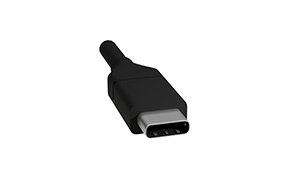
Thunderbolt 3 and 4, which use the USB-C connector, support even higher bandwidth and enable connection of multiple 4K displays, external GPUs, and fast storage devices.
USB-C has made it possible to connect display, charging, network, and accessories through a single port – especially useful for laptops and tablets.
The choice of video connector depends on your equipment and needs:
Remember to check which versions and features your device and cable support, especially if you work with high resolution or multiple screens.
Video connectors have undergone enormous development – from analog signals in VGA to digital multifunctional solutions like USB-C. While VGA and DVI belong to the past, HDMI and DisplayPort dominate the present, and USB-C points to the future with its flexibility and integration.
Whether you work with video, gaming, or office tasks, it is important to know the difference between connector types so you get the most out of your equipment – both in quality, resolution, and functionality.