

One of the most important skills for any DJ is the ability to mix two tracks so they play in time with each other. This technique is called beatmatching, and it forms the foundation of a smooth and professional DJ set. When beatmatching is performed correctly, listeners will barely notice the transition from one song to another – the music simply continues in an unbroken flow of rhythm and energy.
In this article, we will cover what beatmatching is, why it is so central to DJing, and how you can concretely learn the technique step by step. Whether you use vinyl, CDJs, or software, the same fundamental principles apply.
Beatmatching is about synchronising the tempo and phases of two different tracks so that they beat in time at exactly the same moment. When two tracks play at the same tempo and are aligned so that the beat falls in the same place, you can blend them together without the rhythm stuttering or sounding messy.
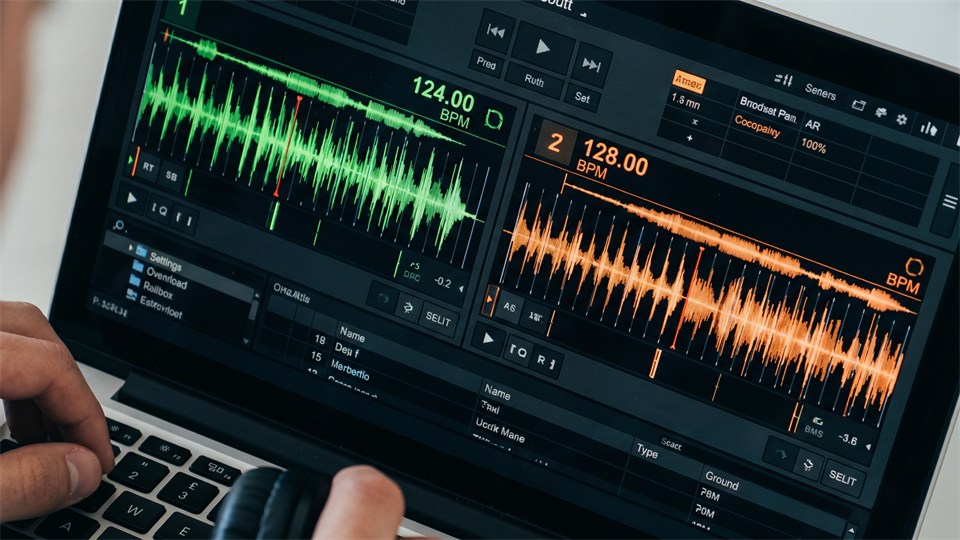
The technique requires you to understand and work with two key concepts: BPM (Beats Per Minute) and phase. BPM indicates how fast a track is playing – that is, the number of beats per minute. Phase describes where in the rhythmic pattern you are. Two tracks can have the same BPM but still sound wrong if they are not correctly phase-aligned.
BPM is the primary measure of a track's speed. A slow ballad might have 70-80 BPM, while a hard techno track can sit at 140-150 BPM. Most electronic genres, such as house and techno, typically operate in the range of 120-140 BPM, making them well suited to beatmatching, as the tempo differences are relatively small.
When you start with beatmatching, it is important to learn to hear BPM with your ears and not rely solely on the numbers shown by your equipment. Many DJ programs and CDJs display BPM automatically, but training your ear is an invaluable skill that will make you a better DJ in the long run.
Even if two tracks have exactly the same BPM, they can still sound off if they are not phase-aligned. Imagine two metronomes both ticking at 128 beats per minute but offset from each other by half a beat – the result is a confused and chaotic soundscape. Phase alignment is about moving one track forward or backward in time until the beat falls exactly in line with the other track.
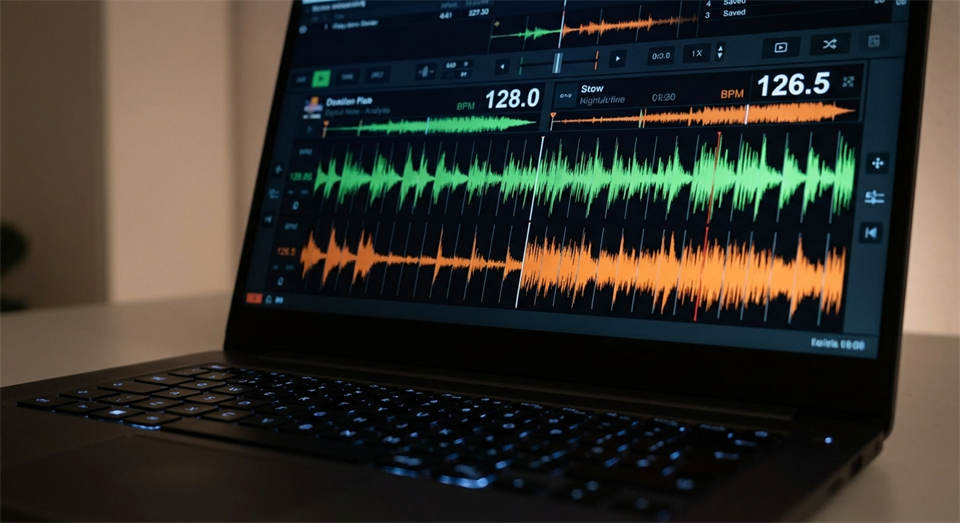
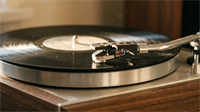
Beatmatching can be performed on various types of equipment, but the principles are the same. The three most common setups are:
Regardless of which platform you use, you need access to a pitch fader – a slider that lets you adjust the playback speed of a track. This is your most important tool for beatmatching.
Here is a practical walkthrough of how to beatmatch two tracks manually. Practise each step before moving on to the next.
Start by finding the BPM of the track that is already playing (Track A). Either use the equipment's BPM display or count beats by hand over 15 seconds and multiply by four. Do the same for the track you want to mix in (Track B). Now you know how much you need to adjust the pitch fader to bring them close to each other.
Use the pitch fader on Track B to adjust its tempo so it matches Track A. If Track A is running at 128 BPM and Track B is at 131 BPM, you need to slow Track B down slightly. Most pitch faders have a range of ±8% or ±16%, which is more than enough for most adjustments. Use the BPM display as a guide, but always listen actively with your ear – that is ultimately what determines whether it sounds right.
This step is crucial for phase alignment. Hold Track B ready by pausing it at the beginning of a new phrase – typically the start of an 8- or 16-bar phrase. Listen to Track A and feel when a new phrase begins. Release Track B at exactly that moment and listen to whether the two tracks are beating in time.
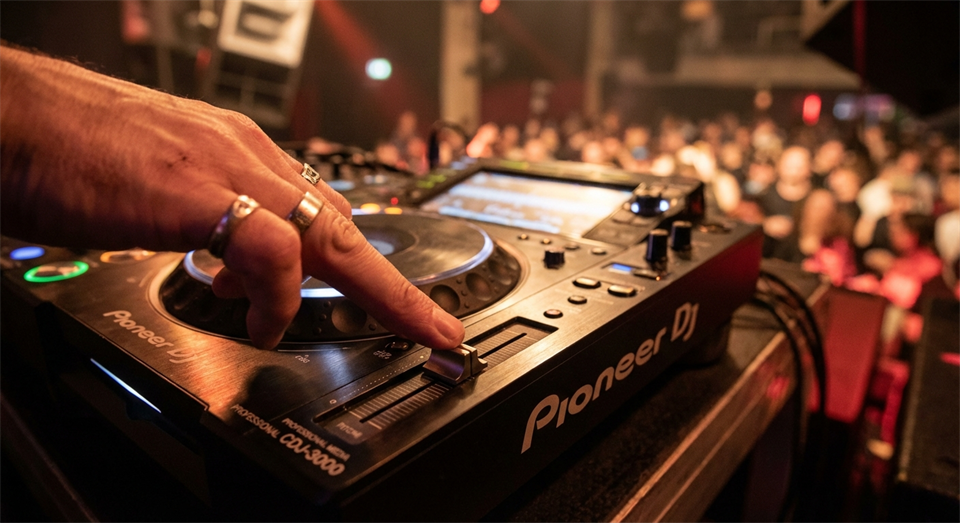
There will almost always be a slight offset, even after a good start. This is where you use nudging – a technique where you briefly push or slow the platter, wheel, or jog wheel to move Track B slightly forward or backward. If Track B is a little behind (you hear it beating after Track A), nudge it gently forward. If it is a little ahead, slow it briefly. Repeat this until the two tracks are beating perfectly in time.
Even with precise BPM adjustment, two tracks can slowly drift apart due to minimal speed differences. Listen constantly and be ready to nudge again if they start to go out of phase. The more you practise, the less often this will happen, because you will get better at setting the pitch fader accurately.
Many beginners are tempted to rely exclusively on the sync functions in DJ software, which automatically match BPM with a single click. These features are useful, but they do not replace an understanding of beatmatching. If the software fails, or you are playing on equipment without automatic sync, you will be lost without the manual skills.
The best way to train your ear is to practise beatmatching manually every day. Put on two familiar tracks and try to match them without looking at the BPM display. Start with tracks that are very close in tempo – for example, two tracks at 128 and 129 BPM. As you improve, you can try larger differences and more complex rhythms.
A good practice tip is to use headphones actively. A DJ always uses headphones to listen to the upcoming track (cue sound) while the current track plays through the speakers. Practise hearing both tracks simultaneously and adjusting while you listen.
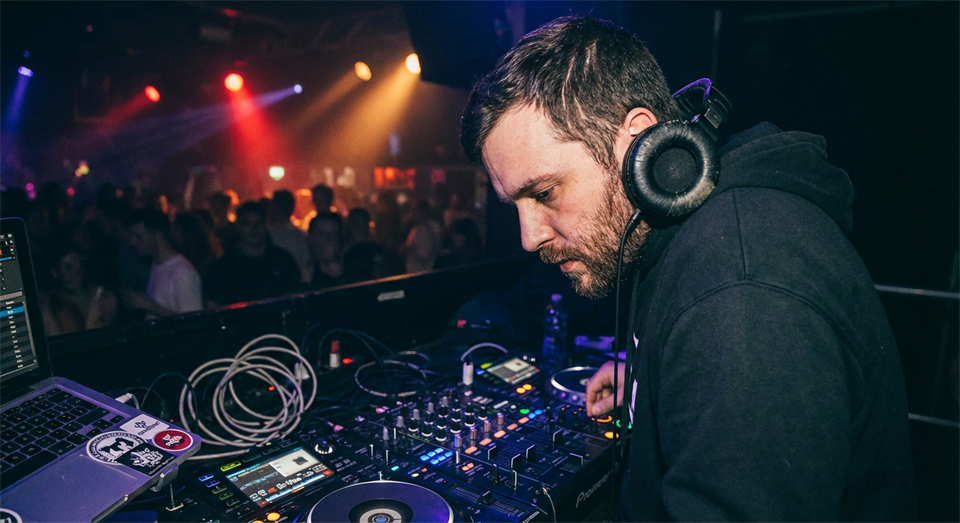
Even experienced DJs make mistakes with beatmatching. Here are the most typical problems and their solutions:
Beatmatching is a skill that requires consistent practice. Set aside around 30 minutes a day to practise the technique in isolation before attempting to build full DJ sets. Start with simple, rhythmically clear tracks within the same genre and tempo range. House music is popular for beginner practice, because the clear 4/4 time signature and constant kick drums make it easy to hear whether tracks are in phase.
Once you have a handle on the basic steps, you can begin experimenting with longer mix transitions, EQ adjustment, and volume balance – but all of this is built on a solid foundation of beatmatching. It is with good reason that the technique is regarded as the very heart of DJing.
Beatmatching is one of the most fundamental and rewarding techniques in DJing. It requires patience, practice, and a well-trained ear, but when it clicks, it opens up an entirely new dimension of musical control and creativity. Start slowly, practise manually, and trust your ears – and before long you will be able to mix two tracks in time with confidence and style.