
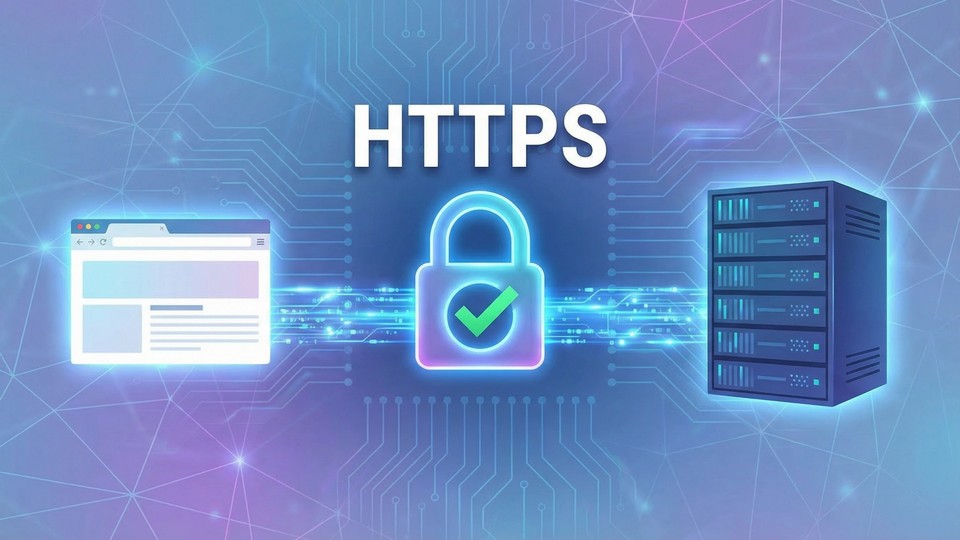


When you browse the internet, you may have noticed that some web addresses start with https:// instead of http://. But what does the extra 'S' mean, and why is it important? In this article, we explain what HTTPS is, how it works, and why you should always choose websites with HTTPS.
HTTPS stands for Hypertext Transfer Protocol Secure. It is an extension of HTTP, which is the basic protocol used when your browser communicates with websites. The difference is that HTTPS adds an extra layer of security by encrypting the data sent between you and the website.
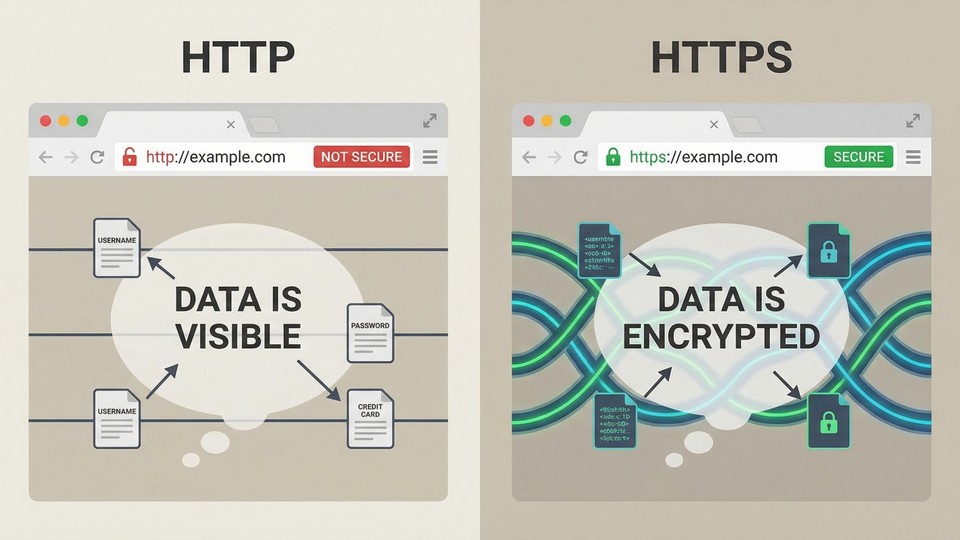
The internet is open, and when you visit a website without HTTPS, data between you and the website can potentially be intercepted by others. This can include everything from your searches, messages, or even your passwords. With HTTPS, all communication between your browser and the website is encrypted, so unauthorized parties cannot read or alter the content.
HTTPS uses a technology called SSL/TLS (Secure Sockets Layer/Transport Layer Security) to encrypt data. When you visit an HTTPS website, the following steps occur:
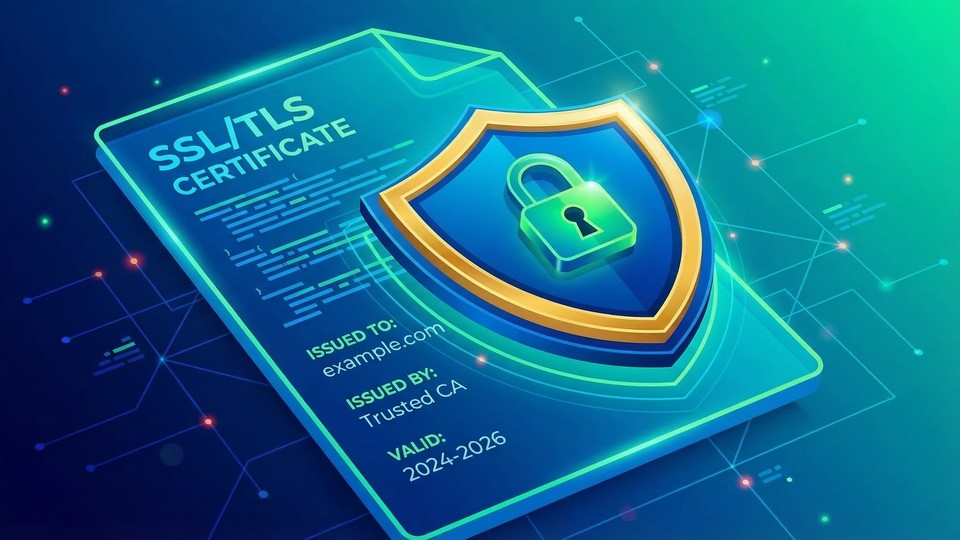
An SSL/TLS certificate is a digital "ID card" for the website. The certificate is issued by a trusted third party (a certificate authority) and contains information about the website's owner. Your browser can therefore verify that the website is genuine.
Most modern browsers display a lock symbol in the address bar when you visit a secure HTTPS website. If you click on the lock, you can often get more information about the certificate and the security of the connection.
Although HTTPS greatly improves security, it is not a guarantee that the website itself is trustworthy. Some scam sites can have a valid certificate. Therefore, you should still use your critical judgment and check if the website seems reliable.
If you have your own website, you should install an SSL/TLS certificate. Many web hosts offer free certificates (e.g., via Let’s Encrypt), and installation is often simple. Once the certificate is installed, your site will automatically use HTTPS.
Today, almost all major websites use HTTPS. It is especially important on sites where you need to enter passwords, payment information, or other sensitive data. If you discover that a site does not use HTTPS, you should be extra cautious.
HTTPS is a crucial technology that protects your data when you use the internet. It makes it harder for unauthorized parties to eavesdrop or alter the information you send and receive. Therefore, you should always look for websites with the lock symbol and https:// in the address – and consider switching away if it is missing.